
Client projectAI startup2022 · 2023
Client projectAI startup2022 · 2023
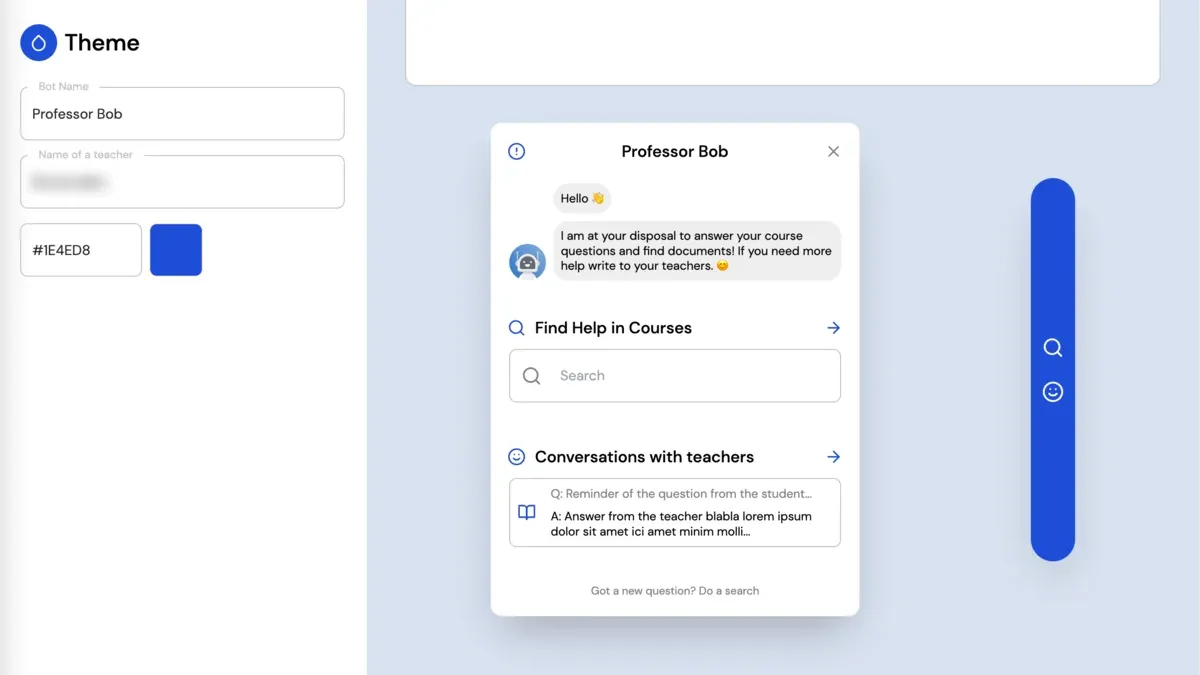
Stellia.ai: a React dashboard for AI-generated questions and answers
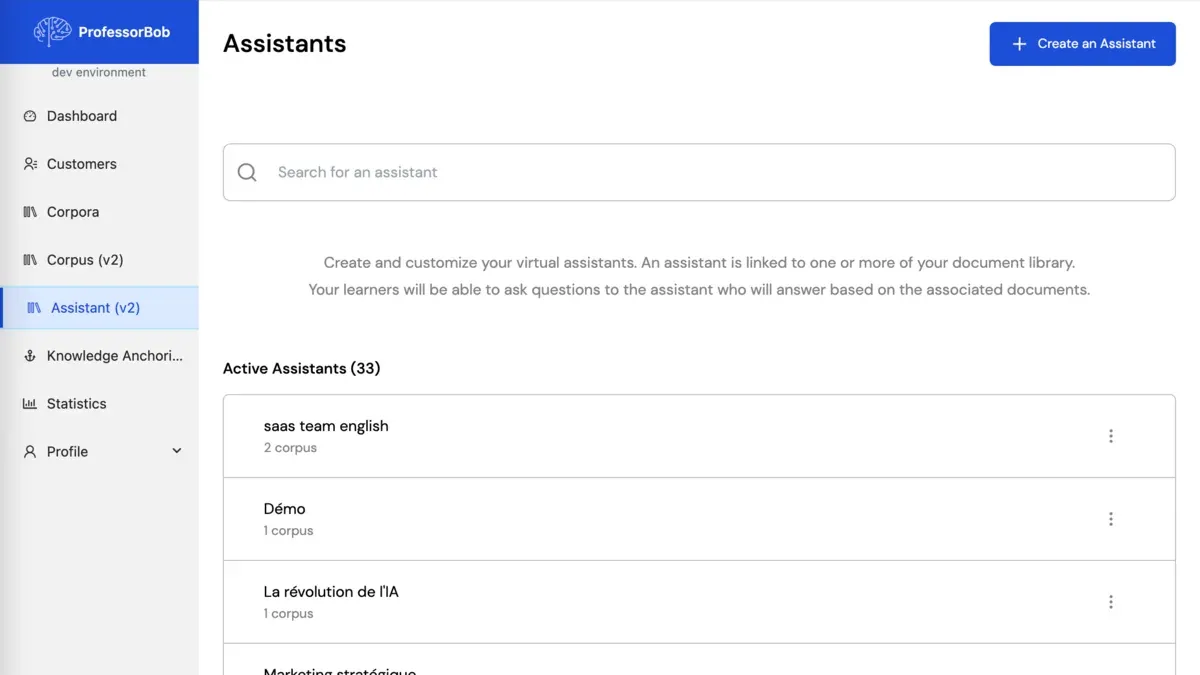
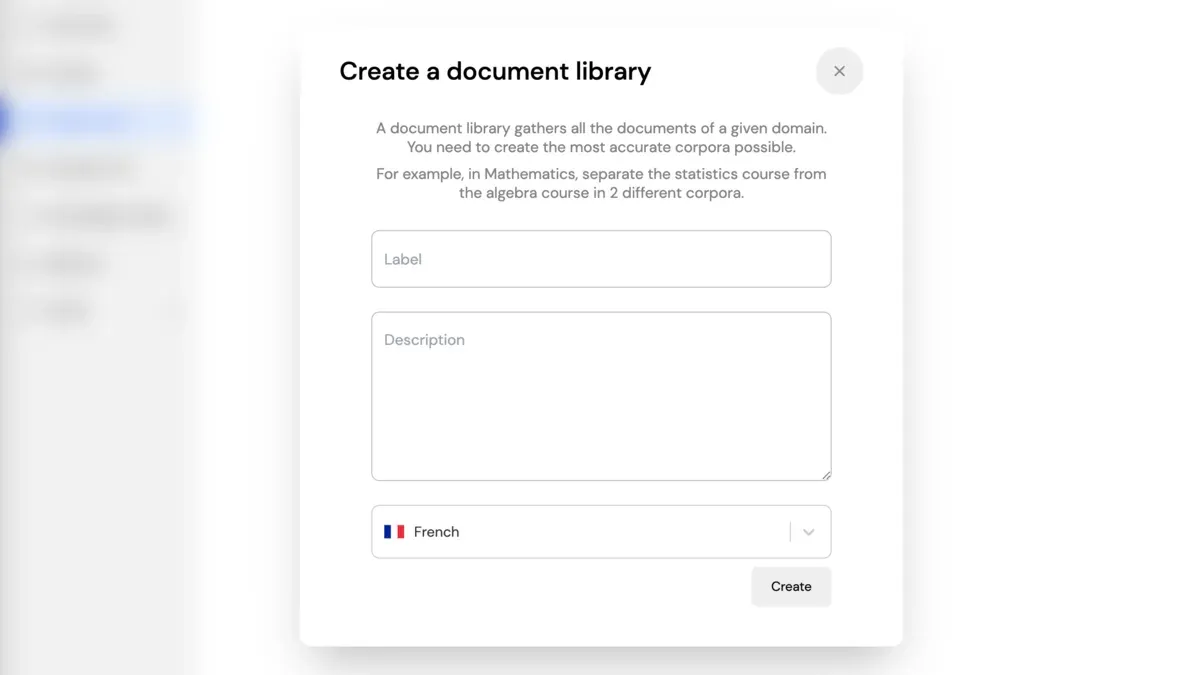
I owned the frontend of Stellia.ai's React dashboard for managing the questions and answers its AI draws from document collections. I built it test first with Vitest and Cypress, in several languages, with PDF documents generated in React PDF.
- Client
- Stellia.ai (incubated at École Polytechnique)
- Role
- Senior frontend developer, React
- Duration
- 7 months, July 2022 to January 2023
- Setting
- Freelance, fully remote, technical autonomy on the frontend
001
001·Context
Managing what an AI analysis produces
Stellia.ai is a startup specialising in AI-powered corpus analysis. I worked directly with its product team and its AI team on the dashboard.
002
002·Approach
How I worked for Stellia.ai
- Brief and my role
- I owned the dashboard's frontend for the whole engagement, fixing bugs and adding features as it evolved.
- Constraints
- A dashboard that kept changing with the product, available in several languages, and able to produce PDF documents.
- Technical decisions
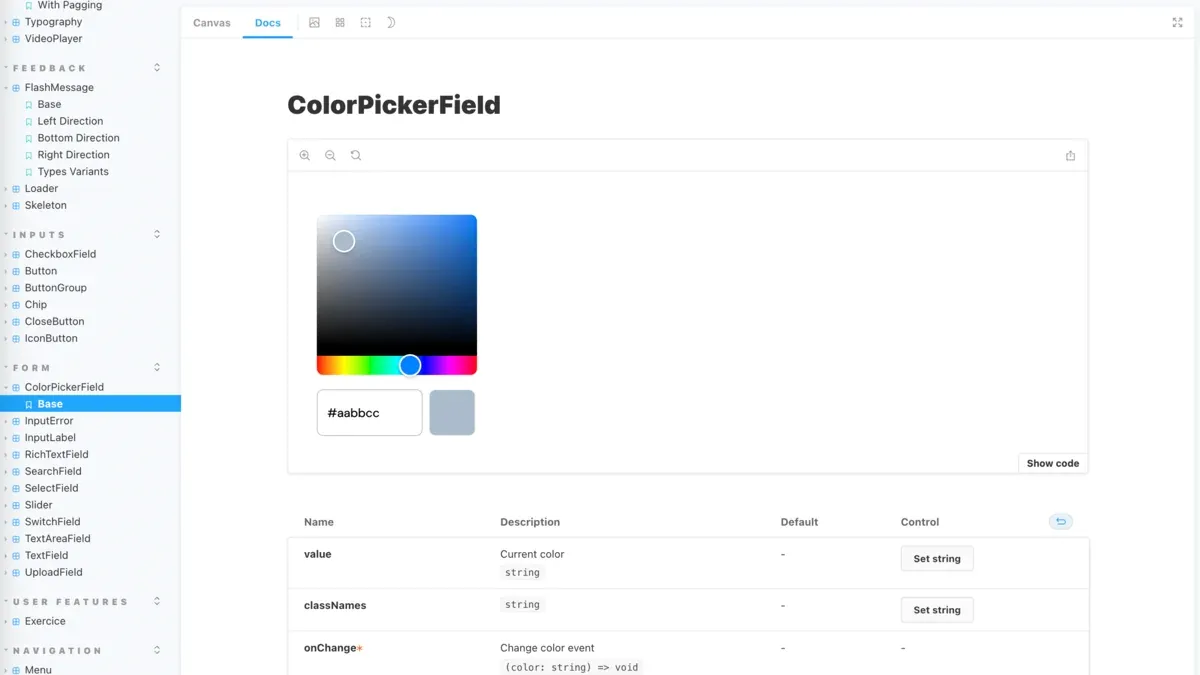
- React with Redux and a GraphQL API, an interface built with Storybook and Tailwind CSS, React PDF for the documents and i18n across every user journey.
- Checks and releases
- Test-driven development: unit tests with Vitest, end-to-end tests with Cypress and a full CI/CD pipeline.
003
003·Deliverables
What I delivered for Stellia.ai
- React dashboardThe dashboard's frontend in React and TypeScript, developed test first
- Interface and PDF documentsStorybook and Tailwind CSS for the interface, React PDF for the documents
- State and APIA Redux architecture for state, over the GraphQL API
- InternationalisationEvery user journey internationalised (i18n)
004
004·Technologies and screenshots
Technologies used for Stellia.ai
005
005·Explore more
Client projects and jCode services
006
006·Contact
Let's talk about your project.
Tell me what you want to build or improve, your budget and your target date.
- Fully remote
- English or French
- France · UK · US
 Describe your project on Malt
 Ask a question on LinkedIn